Progressive Web Apps for Small Businesses: Do You Need One?
Your customers are spending more time on their phones than ever, and you have probably considered building a mobile app to reach them where they are. But native apps are expensive, time-consuming, and require ongoing maintenance. What if there was a middle ground between a website and a native app that gave your customers an app-like experience without the app store hassle?
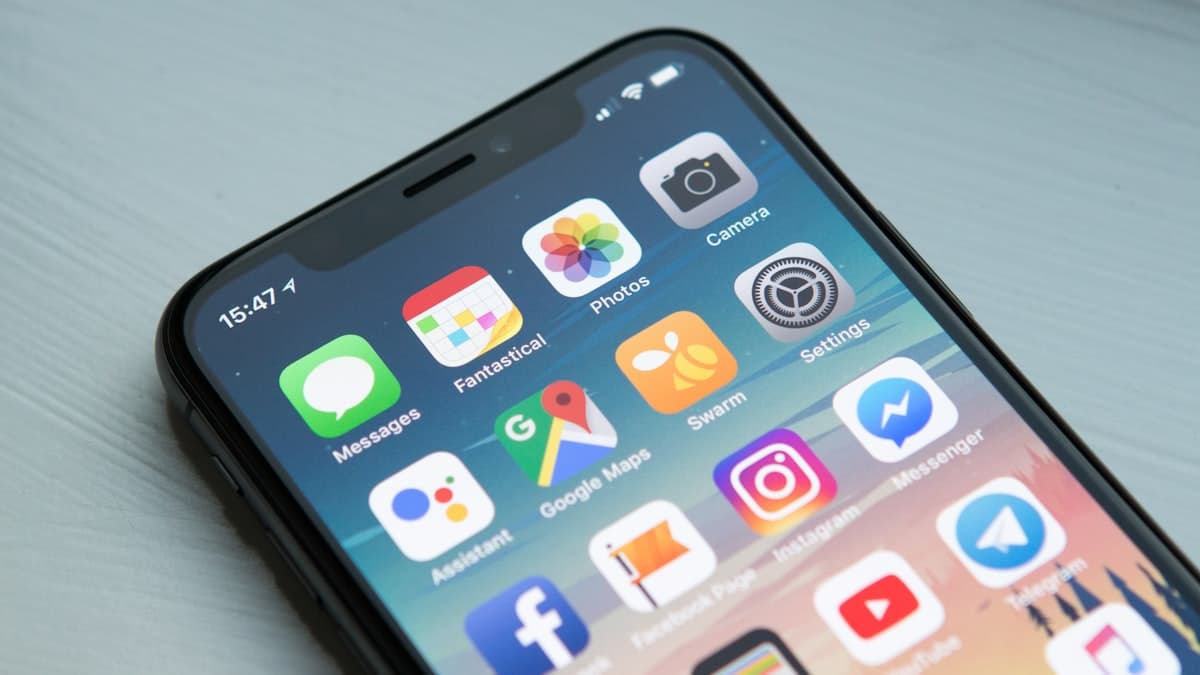
That middle ground is the progressive web app, commonly called a PWA. It is a website that behaves like a native mobile app. Users can install it on their home screen, use it offline, receive push notifications, and experience fast, smooth interactions. All without downloading anything from an app store.
But here is the honest question most small business owners need to ask: do you actually need one? This guide will help you understand what PWAs are, what they can and cannot do, and whether investing in one makes sense for your specific business.
What Exactly Is a Progressive Web App?
A progressive web app is a website built with specific technologies that give it capabilities traditionally reserved for native mobile apps. It runs in a web browser like any other website, but it can also be "installed" on a user's device and behave like a standalone application.
The "progressive" part of the name means that the app works for every user regardless of their browser or device, but users with modern browsers get enhanced features. The experience progressively improves based on the technology available.
Here is what makes a PWA different from a standard website:
- Installable. Users can add the PWA to their home screen and launch it like any other app. It opens in its own window without browser navigation bars.
- Offline capable. PWAs use service workers to cache content, meaning core functionality works even without an internet connection. This is particularly valuable for users with unreliable connectivity.
- Push notifications. Send notifications to users who have installed your PWA, just like a native app. This is one of the most powerful engagement tools available.
- Fast performance. PWAs are designed to load quickly and respond instantly to user interactions, even on slow networks.
- Automatic updates. Unlike native apps that require users to download updates from an app store, PWAs update automatically when users visit them.
Major companies have adopted PWAs with impressive results. Starbucks reports that their PWA is 99.84 percent smaller than their native iOS app. Pinterest's PWA increased time spent on the site by 40 percent. Twitter Lite's PWA reduced data consumption by 70 percent.
PWA vs. Native App vs. Responsive Website
Understanding where PWAs fit requires comparing them to the alternatives.
Responsive Website
A responsive website adapts its layout to different screen sizes. It works on phones, tablets, and desktops through a standard web browser. This is what most small businesses have, and it is the foundation you should get right first.
Strengths: Universal access, no installation required, easy to update, full SEO benefits. Limitations: No offline access, no push notifications, no home screen presence, dependent on browser performance.
Native Mobile App
A native app is built specifically for iOS or Android using platform-specific programming languages and distributed through the App Store or Google Play. These are the apps you download from your phone's app store.
Strengths: Full access to device features (camera, GPS, contacts, Bluetooth), best possible performance, app store visibility. Limitations: Expensive to develop ($25,000 to $150,000 or more), separate codebases for iOS and Android, requires app store approval, users must actively download and update.
For small businesses exploring the native app route, no-code builders have reduced costs significantly, but the overhead of maintaining an app store presence remains.
Progressive Web App
A PWA sits between these two options. It uses web technologies but delivers many native app features.
Strengths: Single codebase works everywhere, installable without an app store, offline capable, push notifications, significantly cheaper to build than native apps, automatic updates. Limitations: Limited access to some device features, no app store presence (though this is changing), iOS support lags behind Android, some users do not understand how to "install" a PWA.
When a PWA Makes Sense for a Small Business
PWAs are not the right choice for every business. Here are the scenarios where they deliver the most value.
Repeat Customers Who Visit Frequently
If your customers interact with your business multiple times per week (ordering food, checking schedules, accessing content, making appointments), a PWA gives them a faster, more convenient way to do so. The home screen icon means your business is one tap away, and the offline caching means the app loads instantly even on slow connections.
Content-Heavy Businesses
Businesses that deliver content regularly (news, educational resources, recipes, workouts, industry updates) benefit from the push notification capability and offline reading features of a PWA. Users can receive notifications when new content is published and read articles even without connectivity.
E-Commerce with Repeat Buyers
Online stores with returning customers can use PWAs to provide a faster shopping experience. Product catalogs load from cache, the checkout process is streamlined, and push notifications can announce sales, restocked items, or personalized recommendations.
Businesses in Areas with Poor Connectivity
If your customers are in areas with unreliable internet (rural locations, developing markets, or simply underground subway stations), a PWA's offline capability ensures they can still access your most important information and functionality.
Budget-Conscious Businesses That Want App Features
If you want the engagement benefits of a mobile app (push notifications, home screen presence, fast performance) but cannot justify the cost of native app development, a PWA delivers most of those benefits at a fraction of the cost.
When a PWA Does Not Make Sense
There are scenarios where a PWA is not the right investment.
Your website traffic is low. If you are still working on getting traffic to your website, a PWA will not solve that problem. Focus on SEO, content marketing, and building your audience first. A slow website with a PWA wrapper is still a slow website.
You need deep device integration. If your app requires Bluetooth connectivity, NFC access, advanced camera controls, or access to device contacts, a native app is still necessary. PWAs have limited access to these hardware features.
Your customers interact with you infrequently. If your customers visit once a year (tax preparation, for example), they will not install your PWA. A well-designed responsive website serves infrequent visitors better.
iOS is your primary audience. Apple has historically been slower to support PWA features compared to Android. While iOS support has improved significantly, there are still limitations on push notifications, installation prompts, and background sync on Apple devices.
How PWAs Are Built
Understanding the technical foundation helps you have informed conversations with developers and make better decisions about implementation.
Service Workers
Service workers are JavaScript files that run in the background of your PWA. They handle caching (storing content locally for offline access), push notifications, and background data synchronization. The service worker is what transforms a regular website into a PWA.
Web App Manifest
The manifest is a JSON file that tells browsers how your PWA should behave when installed. It defines the app name, icons, theme colors, splash screen, and display mode (whether it appears full-screen or with a browser bar). This file is what enables the "Add to Home Screen" functionality.
HTTPS
PWAs require HTTPS (secure connections). This is already a best practice for all websites, but it is a hard requirement for PWA features like service workers and push notifications to function.
Responsive Design
A PWA must work seamlessly across all screen sizes. Since it is essentially a website with enhanced capabilities, responsive design is the foundation everything else is built upon.
Building a PWA for Your Small Business
You have several options for building a PWA, ranging from DIY approaches to full custom development.
Add PWA Features to Your Existing Website
If your website is built on WordPress, Shopify, or another modern platform, you can add basic PWA functionality through plugins or apps. WordPress plugins like SuperPWA or PWA for WP add service worker caching, a web app manifest, and home screen installation with minimal configuration.
This is the lowest-cost approach and a good starting point for testing whether your audience responds to PWA features.
Use a PWA Builder
Tools like PWABuilder (from Microsoft) analyze your existing website and generate the service worker and manifest files needed to make it a PWA. This is a step up from plugins, offering more control over caching strategies and offline behavior.
Custom Development
For businesses that want a PWA with custom functionality (offline ordering, complex data synchronization, advanced push notification logic), custom development is the way to go. A developer experienced with PWAs can build exactly what you need using frameworks like React, Angular, or Vue.js.
Estimated costs:
- Plugin or app approach: $0 to $50
- PWA builder approach: $0 to $500 (depending on customization)
- Custom development: $3,000 to $30,000 (depending on complexity)
Push Notifications: The Killer Feature
Push notifications are arguably the most valuable PWA feature for small businesses. They give you a direct communication channel to users who have installed your PWA, without relying on email or social media algorithms.
Effective push notification strategies:
- Order updates. Notify customers when their order ships, is out for delivery, or is ready for pickup.
- Appointment reminders. Reduce no-shows by sending reminders the day before or the morning of scheduled appointments.
- Flash sales and promotions. Alert your most engaged customers about limited-time offers.
- New content alerts. Notify subscribers when you publish new content they would be interested in.
- Re-engagement. Gently remind users who have not visited in a while about what they are missing.
Important guidelines: Respect your users' attention. Send push notifications sparingly and ensure every notification delivers genuine value. Over-notification is the fastest way to get your PWA uninstalled.
Measuring PWA Performance
If you build a PWA, track these metrics to understand its impact.
Installation rate. What percentage of visitors install your PWA? Industry averages range from 1 to 5 percent of mobile visitors.
Push notification opt-in rate. Of users who install the PWA, how many opt in to notifications? Rates typically range from 40 to 60 percent.
Return visit frequency. Do PWA users visit more frequently than regular website visitors? This is the core engagement metric that justifies the PWA investment.
Conversion rate. Compare conversion rates between PWA users and regular mobile website visitors. PWAs typically show 20 to 30 percent higher conversion rates due to faster load times and the app-like experience.
Page load speed. PWAs should load significantly faster than your standard website, especially on repeat visits when content is served from cache. Use Lighthouse audits to measure performance.
The Verdict: Should Your Small Business Build a PWA?
For most small businesses, here is the practical recommendation. Start with a fast, well-designed responsive website. That is your foundation. If your website is slow, poorly designed, or not mobile-friendly, no amount of PWA technology will fix the underlying experience.
Once your website is solid, consider adding basic PWA features (offline caching, home screen installation, push notifications) using plugins or a PWA builder. This low-cost approach lets you test whether your audience engages with these features before investing in custom development.
If the basic PWA features show clear engagement gains (higher return visits, push notification engagement, positive user feedback), then consider investing in a more capable custom PWA.
The businesses that benefit most from PWAs are those with frequent repeat customers, content-heavy models, or e-commerce operations where speed and convenience directly impact revenue. If that describes your business, a PWA is worth serious consideration. If your customers interact with you infrequently, your budget and effort are better spent improving your website and marketing.