Google Ads for Small Businesses: A Starter Guide
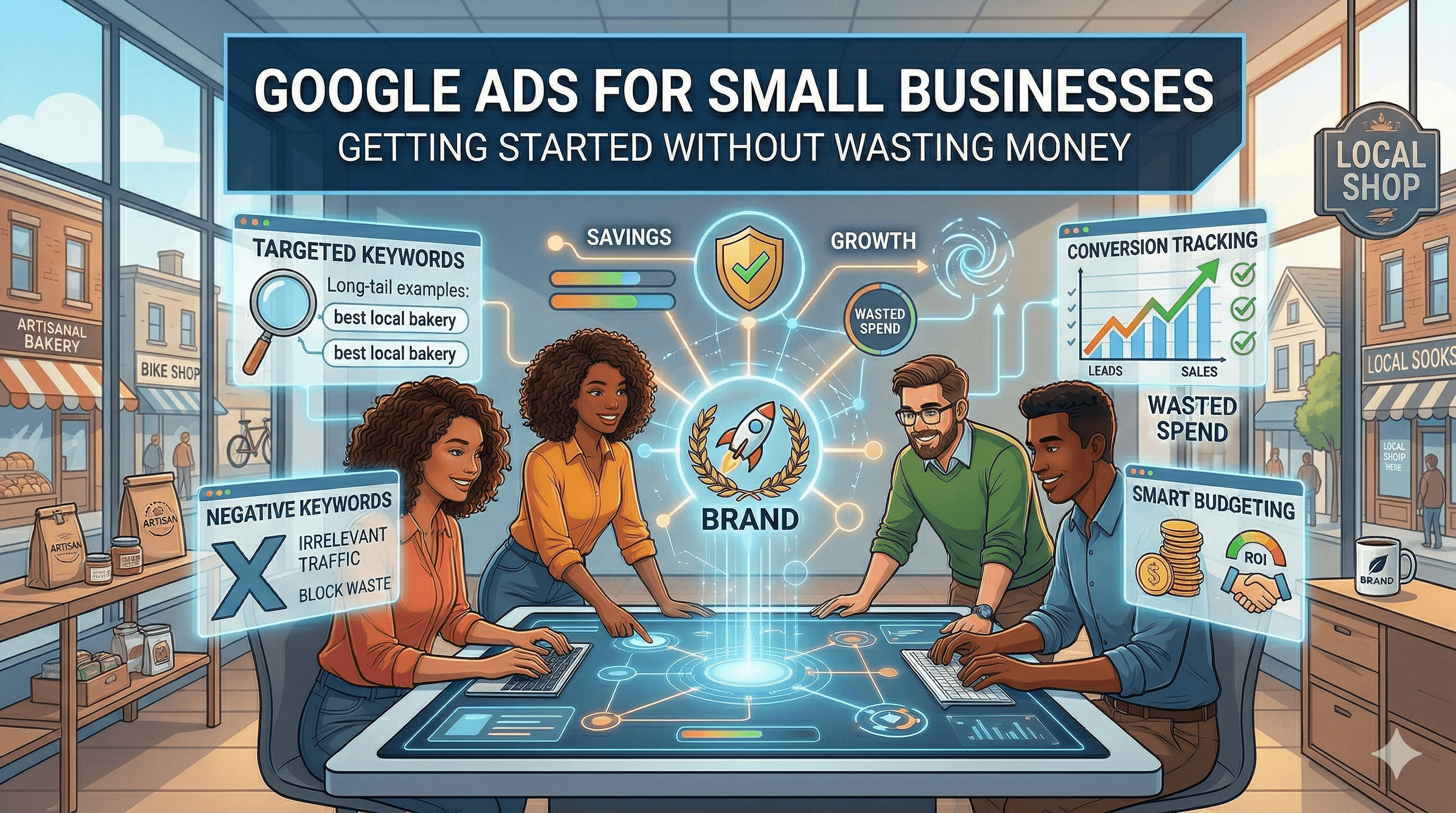
Google Ads can be a powerful growth engine for small businesses, or it can be an expensive lesson in wasting money. The difference comes down to strategy, setup, and ongoing optimization. Too many small business owners set up a campaign using Google's default suggestions, watch their budget disappear in a week, and conclude that paid advertising does not work. The reality is that Google Ads works extremely well when you understand how to use it properly. This guide walks you through the entire process, from deciding whether Google Ads is right for your business to setting up your first campaign and optimizing it for maximum return.
When Google Ads Makes Sense (and When It Does Not)
Google Ads is not the right fit for every business at every stage. Before you spend a dollar, honestly assess whether the conditions are right.
Google Ads Makes Sense When
People are actively searching for what you sell. Google Search Ads work because they capture existing demand. If potential customers are typing queries like "emergency plumber near me," "personal injury lawyer Chicago," or "buy organic dog food online," you can put your business directly in front of them at the exact moment they are looking. Use keyword research to verify that people are searching for your products or services.
Your margins support the cost. Calculate your maximum cost per acquisition (CPA). If you sell a service worth $2,000 with a 50% margin, you can afford to spend up to $1,000 to acquire a customer and still break even. If you sell a product for $15 with a 30% margin, spending $10 per click is not sustainable.
Your website converts visitors into leads or customers. Sending paid traffic to a slow, confusing, or unconvincing website is like pouring water into a bucket with holes. Fix your website first. Make sure it loads quickly, communicates your value proposition clearly, and has obvious calls to action.
You have budget to test. Google Ads requires a testing period to find what works. Plan to invest at least $500 to $1,000 over the first month to gather enough data for meaningful optimization. If that budget would put your business at risk, wait until you are in a more stable position.
Google Ads Does Not Make Sense When
Nobody is searching for what you offer. If you have a brand-new product category that people do not know to search for, Google Search Ads will not help because there is no search volume to capture. Consider social media advertising or content marketing to build awareness first.
Your website is not ready. Do not spend money driving traffic to a website that does not convert. Invest in your website first, then layer on paid traffic.
You are not prepared to monitor and optimize. Google Ads is not a set-it-and-forget-it channel. Campaigns that are not monitored regularly waste money on irrelevant clicks and underperforming keywords.
Account Setup and Campaign Structure
Setting up your Google Ads account properly from the start saves you from costly mistakes later.
Skip the Smart Campaign
When you first create a Google Ads account, Google will push you toward a "Smart Campaign." These simplified campaigns give Google almost total control over your targeting, bidding, and ad copy. While they are easier to set up, they offer minimal control and transparency. Switch to Expert Mode immediately. You need to see where your money is going and control how it is spent.
Campaign Structure
A well-organized account follows a logical hierarchy. Your account contains multiple campaigns. Each campaign contains multiple ad groups. Each ad group contains keywords and ads.
Organize your campaigns by service type, product category, or geographic area. For example, a law firm might have separate campaigns for "Personal Injury," "Family Law," and "Estate Planning." A home services company might have campaigns for "Plumbing," "HVAC," and "Electrical."
Within each campaign, create ad groups around tightly themed keyword clusters. In the "Plumbing" campaign, you might have ad groups for "Emergency Plumbing," "Drain Cleaning," "Water Heater Repair," and "Pipe Repair." Each ad group should contain closely related keywords (5 to 20 per group) and ads specifically written for those keywords.
This structure ensures your ads are highly relevant to the searches that trigger them, which improves your Quality Score (Google's rating of your ad relevance), lowers your cost per click, and increases your conversion rate.
Budget and Bidding
Start with a daily budget you are comfortable spending for at least 30 days. For most small businesses, $20 to $50 per day is a reasonable starting point. This gives you enough data to optimize without excessive risk. For a deeper look at what businesses actually spend and what results to expect at different budget levels, read our guide on how much Google Ads costs for a small business.
For bidding, start with Maximize Clicks to gather data on which keywords and ads drive traffic. After you have accumulated 15 to 30 conversions, switch to Maximize Conversions or Target CPA bidding, which uses Google's machine learning to optimize for actual leads or sales rather than just clicks.
Keyword Targeting and Match Types
Keywords are the foundation of your Google Ads campaigns. Choosing the right keywords and match types determines who sees your ads and how much you pay.
Match Types Explained
Broad match shows your ads for searches related to your keyword, including synonyms, related topics, and variations. The keyword "plumber" might trigger your ad for "how to fix a sink," which is informational and unlikely to convert. Broad match casts the widest net but includes the most irrelevant traffic.
Phrase match (keyword in quotes, like "plumber near me") shows your ads for searches that include the meaning of your keyword. This is more targeted than broad match while still capturing relevant variations.
Exact match (keyword in brackets, like [emergency plumber austin]) shows your ads for searches with the same meaning as your keyword. This is the most targeted option and typically produces the highest conversion rates but the lowest volume.
Start With Phrase and Exact Match
For small businesses with limited budgets, start with phrase match and exact match keywords. These give you tighter control over which searches trigger your ads, reducing wasted spend on irrelevant clicks. As you gather data and identify which keywords convert, you can carefully expand to broader targeting.
Negative Keywords Are Essential
Negative keywords prevent your ads from showing for irrelevant searches. This is one of the most important optimization levers you have. If you are a paid accountant, you want to add negative keywords like "free," "DIY," "how to," "jobs," and "salary" to prevent your ads from showing to people who are not potential customers.
Review your Search Terms Report weekly (found in the Keywords section of your campaign). This shows the actual queries people typed before clicking your ad. Add any irrelevant search terms as negative keywords immediately. This ongoing hygiene prevents budget waste and improves your overall campaign performance.
Focus on High-Intent Keywords
Not all keywords are equal. "Best CRM software" is an informational query from someone still researching. "Buy Salesforce subscription" is a high-intent query from someone ready to purchase. Prioritize keywords that indicate buying intent, especially when your budget is limited. Words like "buy," "hire," "cost," "pricing," "near me," and "emergency" typically signal higher intent.
Writing Ads That Get Clicks and Conversions
Your ad is your first impression. A well-written ad attracts qualified clicks while repelling irrelevant ones, which improves both your click-through rate and conversion rate.
Responsive Search Ads
Google's current standard ad format is the Responsive Search Ad (RSA). You provide up to 15 headlines (30 characters each) and 4 descriptions (90 characters each). Google's machine learning tests different combinations to find the best performers.
Headlines should include: Your primary keyword (so the ad feels directly relevant to the search), your unique value proposition, a call to action, your location (for local businesses), and numbers or specifics (prices, years of experience, review counts).
Descriptions should include: More detail about your offer, trust signals (licensed, insured, BBB rated, 500+ 5-star reviews), urgency or incentive if applicable, and a clear call to action.
Ad Extensions
Ad extensions add additional information and clickable elements to your ads at no extra cost. Use every relevant extension available. Sitelink extensions add links to specific pages on your site. Call extensions add a clickable phone number. Location extensions show your business address. Callout extensions highlight features or benefits. Structured snippets list specific services or product types.
Ads with extensions take up more space in search results and typically have higher click-through rates. There is no downside to using them.
Landing Pages Matter
Do not send ad clicks to your homepage. Send them to a dedicated landing page that matches the specific search intent. If someone searches for "water heater repair Austin," they should land on a page specifically about your water heater repair service in Austin, not your general home page. Matching the ad to a specific landing page improves your Quality Score, reduces your cost per click, and increases conversions. Understanding how to write copy that converts will help you create landing pages that turn clicks into customers.
Measuring ROI and Optimizing
Without proper tracking, you are spending money in the dark. Set up conversion tracking before launching your first campaign.
Setting Up Conversion Tracking
Install the Google Ads conversion tracking tag on your website. Track the actions that represent business value: form submissions, phone calls, purchases, or appointment bookings. If you use Google Analytics, link it to your Google Ads account for deeper insights. Speaking of which, setting up Google Analytics is a prerequisite for understanding how paid traffic interacts with your overall website performance.
Key Metrics to Monitor
Cost per click (CPC): How much you pay for each click. Monitor this to ensure you are not overpaying.
Click-through rate (CTR): The percentage of people who see your ad and click it. A higher CTR indicates your ad is relevant and compelling. Search ads typically have a CTR between 3% and 8%.
Conversion rate: The percentage of clicks that result in a desired action. This reflects the quality of both your ads and your landing pages.
Cost per acquisition (CPA): How much you spend to get one conversion. This is the metric that matters most. Compare your CPA to the value of each conversion to determine profitability.
Return on ad spend (ROAS): Revenue generated divided by ad spend. A ROAS of 3:1 means you earn $3 for every $1 spent.
Optimization Cycle
Follow this weekly optimization routine. Review the Search Terms Report and add negative keywords. Pause underperforming keywords (high spend, low conversions). Increase bids or budgets on high-performing keywords. Test new ad copy variations. Review device performance and adjust bids (mobile versus desktop). Check geographic performance for local campaigns.
Monthly, review overall campaign performance, adjust budgets between campaigns based on ROI, and test new keywords and ad groups. Google Ads is part of a broader digital marketing strategy, and insights from your paid campaigns (like which keywords convert best) can inform your SEO efforts as well.
Common Mistakes That Waste Money
Using only broad match keywords. This shows your ads for too many irrelevant searches. Start with phrase and exact match.
Not using negative keywords. Without negative keywords, you pay for clicks from people who will never become customers.
Sending traffic to your homepage. Always use dedicated landing pages that match the ad's promise.
Ignoring mobile. More than 60% of Google searches happen on mobile devices. Ensure your landing pages load fast and work well on phones.
Setting and forgetting. Google Ads requires ongoing attention. Check your campaigns at least weekly.
Following Google's default recommendations blindly. Google's suggestions often increase your spend without improving your results. Evaluate every recommendation critically.
Not testing ad variations. Always have at least two to three different ad variations running in each ad group so you can identify what messaging works best.
Starting Your First Campaign
Here is a step-by-step summary to launch your first Google Ads search campaign. Choose one product or service to advertise. Research 10 to 20 keywords with commercial intent. Organize them into two to three tightly themed ad groups. Write two to three ad variations per ad group. Set up conversion tracking on your website. Create a dedicated landing page for each ad group. Set a daily budget of $20 to $50. Launch the campaign and monitor daily for the first week. Review your Search Terms Report after one week and add negative keywords. Optimize weekly using the routine described above. After 30 days, evaluate your CPA and ROAS to decide whether to scale, adjust, or pause.
Google Ads rewards patience, precision, and continuous improvement. Start small, track everything, and let the data guide your decisions.