How to Add E-commerce to Your Small Business Website
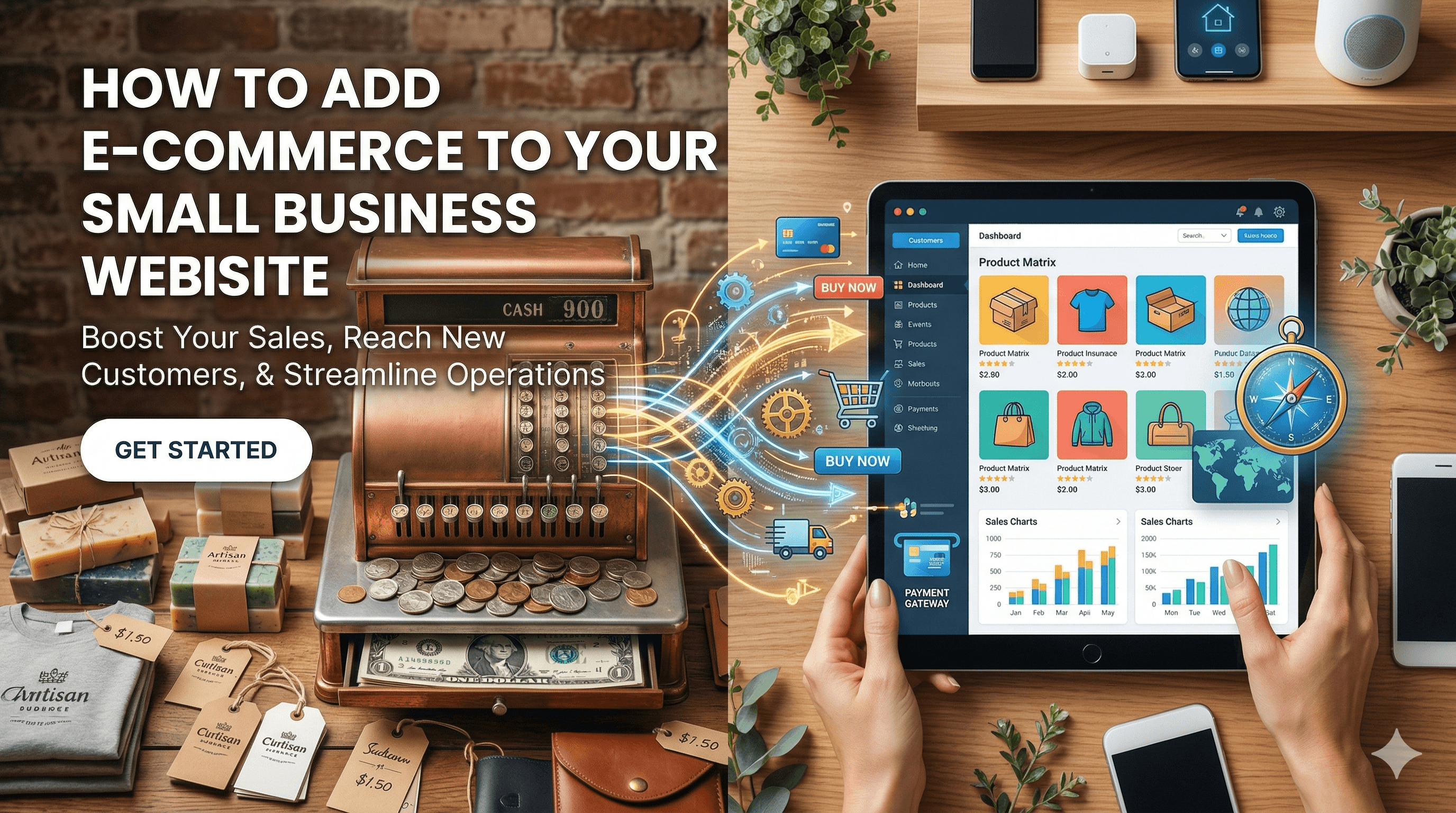
Selling online is no longer optional for most small businesses. Whether you sell physical products, digital downloads, services, or subscriptions, adding e-commerce to your website opens up a revenue channel that works 24 hours a day, 7 days a week. The good news is that you do not need to rebuild your website from scratch. There are practical ways to add e-commerce functionality to your existing site, regardless of the platform you use.
This guide covers your options for adding online selling capabilities, how to set up product pages that convert, payment processing essentials, shipping and tax configuration, and what happens after someone places an order.
E-commerce Options: Choosing the Right Approach
The right e-commerce approach depends on what you sell, how many products you offer, and what platform your current website runs on. If you want a side-by-side comparison of the leading options, our roundup of the best ecommerce platforms for small businesses is a good starting point. There are three main categories to consider.
Full E-commerce Platforms
If you plan to sell more than a handful of products and e-commerce will be a core part of your business, a dedicated platform gives you the most features and flexibility.
Shopify is the most popular standalone e-commerce platform. It handles hosting, security, payment processing, and inventory management in one package. Plans start at $39 per month. Shopify works well if you want a complete online store that can scale with your business.
WooCommerce is a free WordPress plugin that turns any WordPress site into a full online store. It is the most popular e-commerce solution in the world by number of installations. WooCommerce gives you complete control over your store but requires you to manage hosting, security, and updates yourself. If you already have a WordPress website, WooCommerce is often the most natural choice. For guidance on building your WordPress foundation, see our guide on the complete guide to building a small business website.
BigCommerce offers similar functionality to Shopify with more built-in features on its base plans, including no transaction fees on any plan. It is a strong option for businesses that want a hosted solution with room to grow. If you are weighing Shopify against WooCommerce specifically, our detailed comparison of WordPress vs Shopify for ecommerce breaks down the pros and cons of each platform.
E-commerce Plugins and Add-ons
If your website runs on a CMS like WordPress or Squarespace, you can often add e-commerce through plugins or built-in features without migrating to a new platform.
WordPress users have WooCommerce (for full stores), Easy Digital Downloads (for digital products), and WP Simple Pay (for simple payment collection). Squarespace includes e-commerce features on its Business plan and above. Wix has a built-in online store module. These options let you add selling capabilities while keeping your existing website structure intact.
Embeddable E-commerce Widgets
For businesses that only sell a few products or want to keep things simple, embeddable e-commerce widgets let you add buy buttons and cart functionality to any website.
Shopify Buy Button lets you create product cards and checkout flows that you embed on any website using a snippet of code. You get Shopify's payment processing and order management without building a full Shopify store. The Starter plan costs $5 per month.
Snipcart is a developer-friendly cart system that adds e-commerce to any HTML website. You define products using HTML attributes and Snipcart handles the cart, checkout, and payment processing.
Gumroad and Lemonsqueezy are excellent for selling digital products, courses, and memberships. They provide hosted checkout pages and embeddable widgets.
PayPal Buttons remain one of the simplest options. Create a Buy Now or Add to Cart button in your PayPal account and paste the code onto your website. This works for businesses selling a handful of products with minimal customization needs.
Setting Up Product Pages That Convert
Your product pages are where buying decisions happen. A well-structured product page builds confidence and reduces friction between interest and purchase.
Product Photography
High-quality images are non-negotiable. For physical products, include multiple angles, close-up details, lifestyle shots showing the product in use, and (if relevant) size comparison images. Use consistent lighting and backgrounds. If professional photography is not in your budget, a smartphone with good natural lighting and a clean white background produces acceptable results.
For digital products and services, use mockups, screenshots, or preview images that show what the customer will receive.
Product Descriptions
Write descriptions that address what the product does, who it is for, and why it is better than alternatives. Lead with benefits (what the customer gains), then support with features (specifications, dimensions, materials). Use bullet points for scannable details and paragraphs for storytelling.
Avoid copying manufacturer descriptions. Unique, detailed product descriptions improve both conversion rates and SEO rankings. For a deeper look at writing product pages that rank well and convert visitors into buyers, read our guide on ecommerce SEO for product pages.
Pricing and Variants
Display your price prominently. If you offer variants (sizes, colors, configurations), use clear dropdown menus or selection buttons. Show sale prices with the original price crossed out to create a sense of value. If your pricing is complex (custom quotes, tiered pricing), make the starting price clear and explain how to get a custom quote.
Social Proof
Include customer reviews, ratings, and testimonials directly on your product pages. Products with reviews convert at significantly higher rates than those without. If you are just starting out and do not have reviews yet, reach out to early customers and ask for feedback. Even three or four reviews make a meaningful difference.
Clear Calls to Action
Your "Add to Cart" or "Buy Now" button should be impossible to miss. Use a contrasting color, make the button large enough to tap easily on mobile, and keep it above the fold on desktop. If your product requires customization before purchase, guide the customer through the selection process before presenting the buy button.
Payment Processing Essentials
Payment processing is the infrastructure that lets you accept credit cards, debit cards, and digital wallets on your website. Getting this right is critical for both revenue and customer trust. For a deep dive into payment security, review our guide on secure online payments.
Payment Gateways
A payment gateway is the service that processes transactions between your customer's bank and your bank. The most common options for small businesses are Stripe, PayPal, and Square.
Stripe is the most developer-friendly payment processor and integrates with virtually every e-commerce platform. It charges 2.9% plus $0.30 per transaction with no monthly fees. Stripe supports credit cards, debit cards, Apple Pay, Google Pay, and dozens of local payment methods.
PayPal is trusted by consumers worldwide and offers both payment processing and buyer protection. Transaction fees are similar to Stripe (2.99% plus $0.49 per transaction for standard processing). Many customers prefer paying with PayPal because they do not have to enter their card details on your site.
Square is popular with businesses that also sell in person, since it offers seamless online and offline payment processing under one account.
For most small businesses, offering both Stripe (for credit card processing) and PayPal (as an alternative payment method) provides the best customer experience.
SSL Certificates
Your website must have an SSL certificate (indicated by "https://" in the URL) before accepting any payments. SSL encrypts the data transmitted between your customer's browser and your server. Most hosting providers include free SSL certificates through Let's Encrypt. If yours does not, contact your hosting provider before setting up e-commerce.
PCI Compliance
PCI DSS (Payment Card Industry Data Security Standard) compliance is required for any business that accepts credit card payments. The good news is that if you use a hosted payment gateway like Stripe or PayPal, they handle most PCI compliance requirements for you. You never see or store your customer's card numbers. Just make sure your site uses HTTPS, keep your software updated, and use strong passwords.
Shipping and Tax Configuration
If you sell physical products, shipping and tax setup are the parts of e-commerce that cause the most headaches. Take the time to configure them correctly from the start.
Shipping Options
Define your shipping zones (where you will ship to) and your shipping methods within each zone. Common approaches include flat rate shipping (one price regardless of order size), weight-based or price-based shipping (rates calculated by order weight or total), free shipping (built into your product prices or offered above a minimum order value), and real-time carrier rates (live rates from USPS, UPS, FedEx, or other carriers calculated at checkout).
Free shipping is a powerful conversion driver. If your margins allow it, consider offering free shipping on orders above a certain threshold. Many businesses build shipping costs into their product prices and advertise "free shipping" as a benefit.
Tax Configuration
Sales tax rules vary by state and country, and getting them wrong can create legal problems. In the United States, you generally need to collect sales tax in states where you have "nexus" (a physical presence or, in many states, a certain level of economic activity).
Most e-commerce platforms integrate with tax calculation services like TaxJar or Avalara that automatically calculate the correct tax rate based on the customer's location. These services cost $19 to $99 per month depending on volume, but they are worth the investment if you sell across multiple states.
For businesses selling only within their own state, manual tax configuration with a single rate is usually sufficient.
The Post-Purchase Experience
The sale does not end when the customer clicks "Buy." What happens after the purchase determines whether that customer comes back, leaves a review, or recommends your business to others. Thinking about integrations that enhance your post-purchase workflow is important, and our guide on essential website integrations for small businesses covers the tools that can help.
Order Confirmation Emails
Send an immediate order confirmation email with the order details, expected delivery timeline, and a way to contact you with questions. Most e-commerce platforms send these automatically, but customize them with your branding and a personal touch.
Shipping Notifications
Send tracking information as soon as the order ships. Customers want to know when their package will arrive, and proactive communication reduces "where is my order?" support requests.
Follow-Up and Review Requests
Send a follow-up email a week or two after delivery. Ask if the customer is happy with their purchase and invite them to leave a review. This is also a natural time to suggest related products or offer a discount on their next order.
Returns and Refunds
Publish a clear return policy and make the return process as painless as possible. A generous return policy actually increases sales because it reduces purchase risk in the customer's mind. Process refunds promptly when they are requested.
Choosing the Right Approach for Your Business
If you sell fewer than 10 products and e-commerce is supplementary to your main business, start with embeddable widgets (Shopify Buy Button, PayPal Buttons, or Gumroad). They require minimal setup and no platform migration.
If you sell 10 to 100 products and want a proper online store, add WooCommerce to your WordPress site or use your current platform's built-in e-commerce features.
If e-commerce is or will be a core revenue channel with hundreds of products, invest in a dedicated platform like Shopify or BigCommerce that is built specifically for online selling. For help evaluating your platform options, check our roundup of the best website builders for small businesses.
Regardless of which path you choose, start small. Launch with your best-selling products, get comfortable with order fulfillment and customer service, then expand your catalog and features over time. The most important step is the first one: getting your products online and available for purchase.