Technical SEO for Small Businesses: A Practical Guide
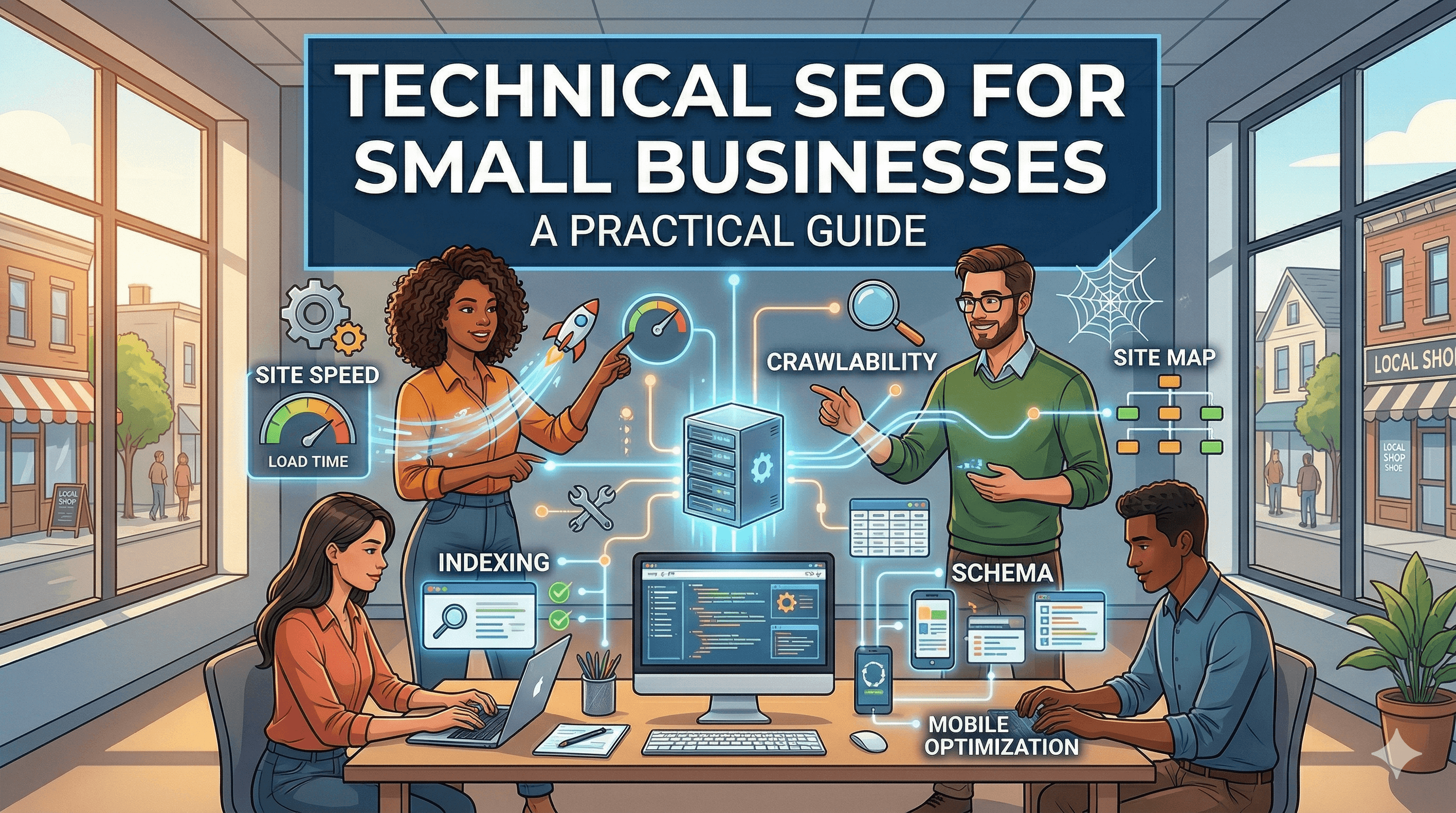
Technical SEO is the behind-the-scenes work that helps search engines find, crawl, understand, and rank your website. You can have the best content in your industry, but if Google cannot properly access and interpret your pages, that content will never reach the people searching for it. The good news is that most technical SEO for small business websites is straightforward once you know what to focus on.
This guide covers the five core areas of technical SEO in plain language, with practical steps you can take today. No coding background required.
What Technical SEO Actually Means
SEO has three pillars: content (what you write), off-page (links and reputation), and technical (how your site is built and configured). Technical SEO ensures that search engine crawlers can access your pages efficiently, that those pages load fast and display properly on all devices, and that the code behind your pages helps search engines understand what your content is about.
Think of technical SEO as the foundation of a building. If the foundation is solid, everything you build on top of it (content, links, marketing) works better. If the foundation has cracks, even the best content will underperform. For a complete overview of all three SEO pillars and how they work together, our comprehensive SEO guide for small businesses covers everything from keyword research to link building.
Site Speed and Core Web Vitals
Page speed is a confirmed Google ranking factor, and it directly affects your conversion rates. Visitors expect pages to load in two to three seconds. Anything slower, and they start leaving.
Google measures user experience through three Core Web Vitals. Largest Contentful Paint (LCP) tracks how long it takes for the main content of a page to become visible. Your target is under 2.5 seconds. Interaction to Next Paint (INP) measures how quickly your page responds when someone clicks a button or taps a link. Your target is under 200 milliseconds. Cumulative Layout Shift (CLS) measures whether elements on your page move around unexpectedly while loading. Your target is a score below 0.1.
To check your scores, enter your URL at pagespeed.web.dev. The tool will grade your performance and list specific issues to fix.
The most common speed issues for small business websites include unoptimized images, which is the number one cause of slow pages. Every image on your site should be compressed and served in a modern format like WebP. A 4MB photo straight from your camera should be compressed to 100KB or less for web use. Tools like ShortPixel, TinyPNG, or your CMS's built-in optimizer can handle this automatically.
Render-blocking resources are another common issue. JavaScript and CSS files that load in the head of your page can delay rendering. Most website builders handle this automatically, but WordPress sites often accumulate plugins that add blocking scripts. An optimization plugin like WP Rocket or Autoptimize can defer or minify these files.
Server response time matters too. If your server takes more than 600 milliseconds to respond, everything else is delayed. Slow server response is almost always a hosting issue. Upgrading from cheap shared hosting to a quality provider often produces the single biggest speed improvement. Our review of the best web hosting for small businesses compares providers on speed, reliability, and value.
The financial impact of slow sites goes far beyond SEO rankings. Studies show that conversion rates drop by an average of 4.4% for each additional second of load time. Our article on how slow websites cost small businesses millions breaks down exactly how much revenue you may be leaving on the table.
Mobile Optimization
Google uses mobile-first indexing, which means it primarily uses the mobile version of your site for ranking decisions. If your site works great on desktop but poorly on mobile, your rankings will suffer even for desktop searches.
Mobile optimization goes beyond just having a responsive layout. Your site needs to be genuinely usable on a small screen. Text must be large enough to read without zooming (16px minimum for body text). Buttons and links need enough spacing that users can tap them accurately without hitting the wrong target. Forms should be simple and easy to fill out on a phone. Pop-ups should not block the entire screen on mobile.
Test your site on actual mobile devices, not just by resizing your browser window. Borrow different phones if you can. Check your site on both iPhone and Android devices, in both portrait and landscape orientations. Pay attention to how images display, whether horizontal scrolling occurs, and whether your navigation menu works smoothly.
Google Search Console provides a Mobile Usability report that flags specific issues on your pages. Check this report monthly and fix any issues it identifies. Common problems include text too small to read, clickable elements too close together, and content wider than the screen.
Crawlability, Indexing, and Sitemaps
For Google to rank your pages, it first needs to find and crawl them. Crawlability is about making sure search engine bots can access every page you want ranked and that they are not wasting time on pages you do not care about.
Your robots.txt file tells search engines which parts of your site they can and cannot crawl. This file lives at yourdomain.com/robots.txt. Most small business sites need a very simple robots.txt that allows all crawling except for admin areas and duplicate content. If you are not sure what your robots.txt says, check it in Google Search Console or simply visit the URL directly.
Your XML sitemap is a file that lists every page you want search engines to know about. It lives at yourdomain.com/sitemap.xml (or a similar location). Most CMS platforms and SEO plugins generate sitemaps automatically. Submit your sitemap in Google Search Console so Google knows where to find it.
Check your index coverage in Google Search Console regularly. The "Pages" report shows how many of your pages are indexed and flags any that are excluded. Common indexing issues include pages blocked by robots.txt accidentally, pages with noindex tags you did not intend, redirect chains or loops, duplicate content issues, and pages that return server errors.
Internal linking is another critical aspect of crawlability. Every important page on your site should be reachable through links from other pages. Orphan pages (pages with no internal links pointing to them) may never get crawled. Create a logical link structure where your homepage links to your main sections, those sections link to individual pages, and related pages link to each other.
One of the most damaging technical SEO mistakes is accidentally blocking important pages from being crawled or indexed. This single error can make entire sections of your site invisible to Google. Our article on the number one way small businesses kill their rankings covers this and other common mistakes.
Structured Data and Schema Markup
Structured data (also called schema markup) is code you add to your pages that helps search engines understand your content more precisely. Instead of guessing that a number on your page is a phone number or a price, structured data tells Google exactly what each piece of information represents.
Structured data can also earn you rich results in Google: those enhanced search listings with star ratings, prices, FAQ dropdowns, event dates, or business hours. Rich results take up more space in search results and typically get higher click-through rates.
The most valuable schema types for small businesses include LocalBusiness (your business name, address, phone, hours, and service area), FAQ (frequently asked questions and answers displayed directly in search results), Product and Review (star ratings and pricing shown in search results), Breadcrumb (navigation path displayed in your search listing), and Article (for blog posts, with author and date information).
If you use WordPress, plugins like Yoast SEO or Rank Math can add many schema types automatically. Our WordPress SEO guide walks through plugin configuration, schema setup, and other WordPress-specific SEO settings in detail. For website builders, the options are more limited, but most support basic business and product schema through their settings panels.
Test your structured data using Google's Rich Results Test (search.google.com/test/rich-results). Paste a URL, and the tool will show you what structured data it finds and whether it is valid.
HTTPS and Security Signals
Your site must run on HTTPS (with a valid SSL certificate). This has been a Google ranking factor since 2014, and modern browsers actively warn visitors away from non-HTTPS sites. Beyond SEO, HTTPS encrypts data transmitted between your visitors' browsers and your server, protecting sensitive information like form submissions and login credentials.
Most hosting providers include free SSL certificates through Let's Encrypt. If your site is not yet on HTTPS, our guide on SSL certificates and why your site needs HTTPS explains everything you need to know about making the switch.
After enabling HTTPS, make sure all your internal links, images, and resources use HTTPS URLs. Mixed content (loading some resources over HTTP on an HTTPS page) triggers browser warnings and can hurt your rankings. Use a tool like Why No Padlock (whynopadlock.com) to identify mixed content issues.
Your Technical SEO Checklist
Here is a practical checklist you can work through to address the most impactful technical SEO issues on your small business site.
For site speed: compress all images to under 200KB, enable caching (through your host or a caching plugin), minimize render-blocking JavaScript and CSS, and ensure server response time is under 600 milliseconds.
For mobile: test on real devices, fix any issues in the Mobile Usability report in Search Console, ensure text is readable and buttons are tappable, and remove intrusive mobile pop-ups.
For crawlability: submit your sitemap in Search Console, review your robots.txt for unintended blocks, fix crawl errors reported in Search Console, and build internal links to all important pages.
For structured data: add LocalBusiness schema with your NAP (name, address, phone), add FAQ schema to relevant pages, test your markup with the Rich Results Test, and monitor the Enhancements reports in Search Console.
For security: confirm your SSL certificate is valid and auto-renewing, fix any mixed content warnings, and redirect all HTTP URLs to HTTPS.
Work through this checklist once, then revisit it quarterly to catch new issues. Technical SEO is not a one-time project. It is an ongoing practice that keeps your site's foundation solid as you add content, update plugins, and grow your business. If you are planning a site migration or platform change, the stakes are even higher. Our website migration SEO checklist covers everything you need to preserve your rankings during a move. The time you invest in these fundamentals will amplify the results of every other marketing effort you make.