Squarespace vs Wix vs WordPress Compared (2026)
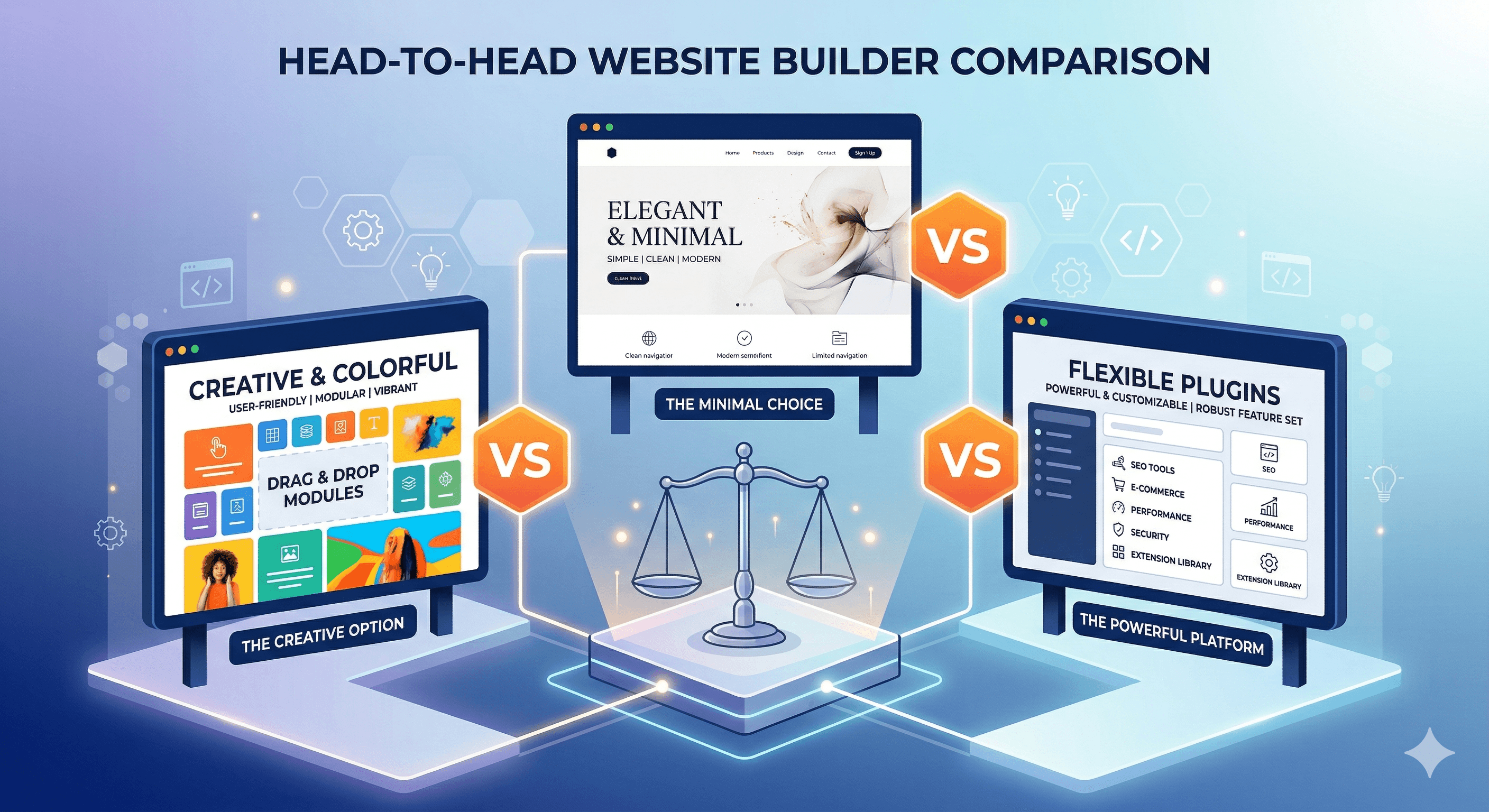
Squarespace, Wix, and WordPress are the three platforms that come up in virtually every conversation about building a small business website. Together, they power a massive share of the web, and each has a distinct personality and set of strengths. But the differences between them are significant enough that choosing the wrong one can cost you time, money, and frustration.
If you are specifically weighing Wix against Squarespace, our dedicated Wix vs Squarespace comparison for small business goes deeper into the differences between those two platforms. We built complete small business websites on all three platforms to compare them directly. This is not a surface-level overview. We dug into the details of design tools, content management, SEO capabilities, e-commerce features, pricing structures, and long-term scalability. If you are still deciding whether you need a website builder at all versus a custom-built solution, start with our comparison of custom websites vs website builders.
The Big Picture
Before diving into specifics, here is the fundamental difference between these three platforms:
Squarespace is an all-in-one hosted platform that prioritizes design quality. Everything is included in your subscription: hosting, templates, SSL, and core features. You build within a structured framework that produces consistently professional results.
Wix is an all-in-one hosted platform that prioritizes ease of use. It offers the most freeform drag-and-drop editor available, making it the easiest platform for a complete beginner to pick up.
WordPress (WordPress.org, the self-hosted version) is open-source software that prioritizes flexibility. You install it on your own hosting, choose from thousands of themes and plugins, and have complete control over every aspect of your site. The tradeoff is more responsibility and a steeper learning curve.
Design and Templates
Squarespace
Squarespace wins the design category convincingly. Every template is created by professional designers and looks polished, modern, and intentional. The structured editor uses content blocks within predefined layouts, which constrains your design freedom but ensures visual consistency.
The template selection is smaller than Wix (around 150 options), but quality matters more than quantity here. Every Squarespace template is responsive, well-coded, and difficult to make look bad. The platform also offers a unified design system, so elements like fonts, colors, and spacing remain consistent across your entire site.
Squarespace recently introduced Fluid Engine, a more flexible layout tool that allows finer control over element positioning while still maintaining the design guardrails the platform is known for.
Wix
Wix offers over 800 templates and the most freeform editing experience available. You can drag any element anywhere on the page, resize it, rotate it, and layer it however you want. This gives you absolute creative freedom, which is both a strength and a weakness.
The strength: if you have a specific vision, Wix lets you realize it without constraints. The weakness: without design experience, it is easy to create inconsistent layouts, misaligned elements, and pages that look good on desktop but fall apart on mobile. Squarespace prevents these problems by design. Wix leaves it up to you.
One important limitation: you cannot switch templates after you start building on Wix. If you want a different design later, you need to rebuild from scratch. This makes template selection a critical early decision.
WordPress
WordPress takes a completely different approach. You choose from thousands of themes (both free and premium) and can customize virtually every visual element. The design possibilities are limitless, but the experience depends heavily on which theme and page builder you use.
Modern WordPress themes combined with block editors like Gutenberg, or page builders like Elementor and Beaver Builder, provide visual editing experiences that rival Squarespace and Wix. However, the quality varies dramatically. A $59 premium theme from a reputable developer will look professional. A free theme from an unknown author might not.
Winner: Squarespace for guaranteed design quality. WordPress for maximum design flexibility if you are willing to invest in a good theme.
Ease of Use
Getting Started
Wix is the easiest platform to get started with. You sign up, pick a template (or let the AI build one for you), and immediately start editing in a visual interface that feels natural and intuitive. There is no concept of hosting, databases, or file systems. Everything is point-and-click.
Squarespace is nearly as straightforward. The signup process walks you through choosing a template and customizing basic settings. The editor has a slight learning curve because it uses structured layouts rather than freeform placement, but most users get comfortable within an hour.
WordPress has the steepest onboarding. Before you even reach the editor, you need to choose a hosting provider, install WordPress, select a theme, and install essential plugins. Managed WordPress hosts like SiteGround or WP Engine simplify this with one-click installations, but it still requires more decisions upfront than the other two platforms.
Day-to-Day Content Management
Once your site is built, the differences narrow somewhat. All three platforms let you create and edit pages, publish blog posts, manage images, and update content without touching code.
Squarespace and Wix both provide visual editors where you see your changes in real time. WordPress with the Gutenberg block editor offers a similar experience, though the admin interface is more complex because it also gives you access to settings, plugins, user management, and other tools that Squarespace and Wix handle behind the scenes.
Winner: Wix for beginners. Squarespace for a balanced experience. WordPress for users who are comfortable with more complex interfaces and want granular control.
SEO Capabilities
Search engine optimization is critical for small businesses that depend on organic traffic. All three platforms cover the basics, but the depth of SEO tools varies.
Squarespace SEO
Squarespace includes solid SEO tools out of the box. You can customize title tags, meta descriptions, and URL slugs for every page. The platform generates clean HTML, creates automatic XML sitemaps, and provides built-in analytics. Squarespace also supports structured data through code injection, though implementing it requires some technical knowledge.
The limitations are in advanced SEO. You cannot control your robots.txt file as precisely, there is no equivalent to WordPress's comprehensive SEO plugins, and server-side optimizations are limited to what Squarespace provides.
Wix SEO
Wix has made significant improvements to its SEO capabilities. The SEO Wiz tool walks you through a personalized checklist for optimizing your site, covering everything from title tags to image alt text. You can customize meta information for every page, manage URL structures, and submit sitemaps to search engines.
Wix also offers Wix SEO Dashboard, which provides recommendations and tracks your progress. For most small businesses, these built-in tools are sufficient for basic to intermediate SEO work.
Historically, Wix had a reputation for poor SEO performance due to heavy JavaScript rendering, but the platform has addressed many of these concerns with server-side rendering improvements.
WordPress SEO
WordPress with a dedicated SEO plugin (Yoast SEO, Rank Math, or All in One SEO) offers the most comprehensive SEO toolkit available. You get complete control over title tags, meta descriptions, canonical URLs, robots directives, XML sitemaps, schema markup, breadcrumbs, and more.
Beyond on-page SEO, WordPress gives you control over technical SEO factors: server configuration, caching, CDN integration, image optimization, and core web vitals. With the right hosting and optimization plugins, WordPress sites consistently achieve the fastest load times, which is a direct ranking factor.
The trade-off is that WordPress's SEO potential is only realized if you install and properly configure the right plugins and settings. Out of the box, a default WordPress installation has minimal SEO tools.
Winner: WordPress by a wide margin for serious SEO. Squarespace for solid built-in SEO with no plugins required.
E-Commerce
Squarespace E-Commerce
Squarespace offers competent e-commerce features starting on the Business plan ($33/month, with a 3% transaction fee) or the Commerce plans ($36 to $65/month, no transaction fees). You can sell physical products, digital downloads, services, and subscriptions.
The product pages are beautifully designed and integrate seamlessly with the rest of your site. Inventory management, order tracking, and tax calculations are included. For a business that sells a moderate number of products alongside its primary service offerings, Squarespace handles e-commerce well.
Limitations include fewer payment gateways (primarily Stripe and PayPal), limited product variant options, and no marketplace or multi-vendor support.
Wix E-Commerce
Wix offers e-commerce starting on the Business plan ($36/month). The features cover the essentials: product management, payment processing, order management, and shipping. Wix also offers Wix Stores as a dedicated e-commerce app with additional features.
The e-commerce experience on Wix is functional but not as polished as Squarespace or Shopify. Product pages are customizable through the drag-and-drop editor, which gives you design flexibility but can also lead to inconsistent layouts if you are not careful.
WordPress E-Commerce
WooCommerce is the dominant WordPress e-commerce plugin, powering over 3.5 million online stores. It is free to install and offers comprehensive selling features: product management, inventory tracking, shipping calculations, tax handling, and payment processing through numerous gateways.
The WooCommerce ecosystem includes thousands of extensions for advanced features: subscriptions, bookings, memberships, product bundles, and multi-vendor marketplaces. If you can think of an e-commerce feature, there is probably a WooCommerce extension for it.
The downside is complexity. Setting up WooCommerce properly takes more time and technical knowledge than Squarespace or Wix's built-in e-commerce. You also need to consider hosting requirements, as WooCommerce sites need more server resources than simple content sites.
Winner: WordPress (WooCommerce) for maximum e-commerce capability. Squarespace for the best-looking product pages with minimal setup.
Pricing Breakdown
Understanding the real cost of each platform requires looking beyond the advertised monthly price.
Squarespace Costs
- Personal: $16/month (no e-commerce)
- Business: $33/month (basic e-commerce, 3% transaction fee)
- Commerce Basic: $36/month (no transaction fees)
- Commerce Advanced: $65/month
All plans include hosting, SSL, and a free custom domain for the first year. There are no hidden costs beyond the transaction fees on the Business plan. What you see is essentially what you pay.
Wix Costs
- Free: $0 (Wix ads, Wix subdomain)
- Light: $17/month
- Core: $29/month
- Business: $36/month (e-commerce)
- Business Elite: $159/month
Wix's free plan lets you test the platform but is not suitable for a real business website due to the ads and branding. Like Squarespace, the paid plans include hosting and SSL.
WordPress Costs
WordPress itself is free. Your costs:
- Hosting: $3 to $30/month (shared) or $25 to $100/month (managed)
- Domain: $10 to $15/year
- Theme: $0 (free) to $59 (premium, one-time)
- Essential plugins: $0 to $200/year
- WooCommerce extensions (if needed): $0 to $300/year
A typical small business WordPress site costs $10 to $50 per month. A WooCommerce store with premium extensions can cost $50 to $150 per month when you factor in better hosting and paid plugins.
Winner: Wix offers the lowest starting point with its free plan. WordPress offers the best value at scale. Squarespace offers the most predictable pricing with no surprises.
Scalability and Long-Term Growth
Squarespace
Squarespace works well for businesses that need a professional web presence with moderate content and e-commerce needs. However, it has a ceiling. If you need advanced functionality, complex integrations, or a highly customized user experience, you will eventually hit the limits of what the platform can do.
Migrating away from Squarespace is possible but not simple. You can export your content as XML, but your design, customizations, and many features will not transfer. Plan for a rebuild if you decide to leave.
Wix
Wix faces similar scalability limitations. The platform has grown its feature set significantly, but it remains a walled garden. You cannot export your Wix site, period. If you outgrow the platform, you start over from scratch on a new one.
This lock-in factor is something to consider seriously. If there is any chance your business will need capabilities beyond what Wix offers, starting on a more flexible platform can save you a major headache later.
WordPress
WordPress has no scalability ceiling. The platform powers sites ranging from personal blogs to enterprise applications serving millions of visitors. As your needs grow, you upgrade your hosting, add more sophisticated plugins, or bring in developers to build custom solutions.
You also own your site completely. If you decide to change hosting providers, redesign your site, or even rebuild on a different platform, your content is fully portable. This freedom and ownership is one of WordPress's most significant advantages for long-term business planning.
Winner: WordPress, by a wide margin. There is no scenario where you outgrow WordPress.
Migration Considerations
If you are currently on one platform and thinking about switching, here is what to expect:
Moving from Wix: Wix does not offer a native export option. You will need to manually recreate your content on the new platform or use a third-party migration service. This makes Wix the hardest platform to leave.
Moving from Squarespace: Squarespace allows you to export your content as XML, which can be imported into WordPress. However, images, design elements, and custom blocks will not transfer. Expect to spend time reformatting content and redesigning your site.
Moving from WordPress: WordPress content exports easily to other WordPress installations. Moving to Squarespace or Wix is more difficult because those platforms have limited import tools. However, your content files and database are always accessible, so a developer can extract and reformat your data for any platform.
Verdict by Business Type
Different businesses have different needs. Here is our recommendation based on your situation:
Service businesses (consultants, agencies, law firms, healthcare practices): Squarespace. The design quality makes a strong first impression, and the built-in booking and form features cover common needs.
Local businesses (restaurants, salons, retail stores): Squarespace or Wix. Both handle local business needs well. Wix's free plan is helpful for businesses testing the waters with a minimal budget.
Content-driven businesses (bloggers, publishers, media): WordPress. The content management capabilities are unmatched, and SEO plugins give you a real competitive advantage.
E-commerce businesses: None of these three are the top choice. Consider Shopify for dedicated online selling. If e-commerce is secondary to your main business, Squarespace or WordPress with WooCommerce both work.
Businesses that plan to scale significantly: WordPress. It is the only platform on this list with no ceiling on functionality, and you will never need to migrate.
Complete beginners with no budget: Wix. The free plan and intuitive editor let you get online with zero investment and minimal learning. You should also explore our guide on how to choose web hosting if you decide to explore WordPress.
Our Overall Recommendation
For most small businesses, Squarespace offers the best balance of design quality, ease of use, and built-in features. You will get a professional-looking site up and running quickly, and the all-in-one pricing keeps things predictable.
If you are technical (or willing to learn), WordPress offers superior flexibility, SEO capabilities, and long-term scalability. The initial investment in setup and learning pays dividends as your business grows.
Wix is the best starting point for complete beginners who need to get online quickly and affordably. Just be aware of the platform's lock-in and consider whether the ease of getting started is worth the potential cost of migration later.
Ultimately, a launched website on any of these platforms will serve your business better than a perfect website that never goes live. Choose the platform that matches your current skills and needs, build your site, and focus your energy on what matters most: serving your customers and growing your business.