30,000 Small Business Websites Are Hacked Every Day
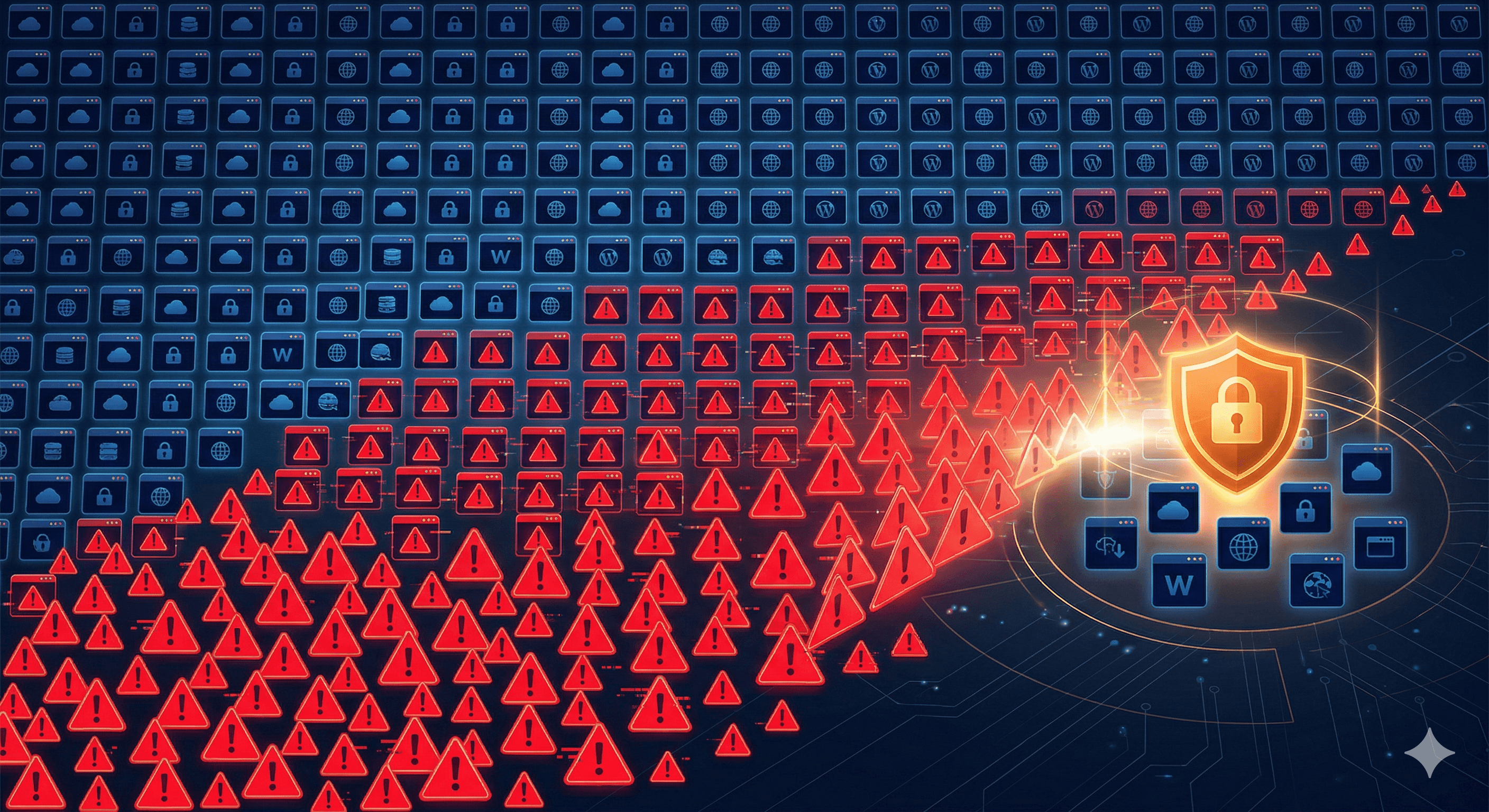
Every single day, roughly 30,000 websites are hacked. The majority of them do not belong to large corporations or government agencies. They belong to small businesses. Businesses like yours, with a simple website, a handful of employees, and the assumption that hackers have bigger targets to go after. That assumption is exactly what makes small businesses so vulnerable.
The Scale of the Problem
Cybersecurity statistics paint a sobering picture for small business owners. According to data from Verizon's annual Data Breach Investigations Report, 43% of all cyberattacks target small businesses. The FBI's Internet Crime Complaint Center reports billions of dollars in losses from cybercrime each year, with small and medium-sized businesses bearing a disproportionate share of the damage.
Perhaps most alarming is what happens after an attack. The National Cyber Security Alliance reports that 60% of small businesses that suffer a significant cyberattack go out of business within six months. This is not because the attack itself is always catastrophic. It is because the combined cost of recovery, lost business during downtime, damaged reputation, and potential legal liability is more than most small businesses can absorb.
Why Hackers Target Small Businesses
It might seem counterintuitive. Why would a hacker bother with a small business website when they could go after a major corporation with far more valuable data? The answer comes down to simple economics.
Small businesses have weaker defenses. Large companies invest millions in cybersecurity teams, enterprise-grade firewalls, intrusion detection systems, and around-the-clock monitoring. Most small businesses have none of these things. Their websites often run on outdated software with default settings and weak passwords. For a hacker, this is the equivalent of finding a house with the door wide open.
Attacks are automated. Modern hackers do not sit at a keyboard manually trying to break into your specific website. They use automated tools (bots) that scan millions of websites simultaneously, looking for known vulnerabilities. These bots do not care whether you are a Fortune 500 company or a three-person plumbing shop. They simply exploit whatever weaknesses they find. Your site does not need to be specifically targeted to be compromised.
Small businesses have valuable data. Even a basic small business website can contain customer names, email addresses, phone numbers, payment information, and login credentials. This data has real value on the black market. Stolen credit card numbers sell for five to twenty dollars each. Email addresses and personal information sell in bulk for use in phishing campaigns and identity theft.
Compromised sites have utility. Even if your website does not store valuable data, hackers can still use it. A hacked small business website can be used to host phishing pages that trick visitors into entering their credentials, distribute malware to anyone who visits, send spam emails that appear to come from your domain, mine cryptocurrency using your server's resources, or launch attacks against other websites. Your site becomes a tool in the hacker's arsenal, often without you even knowing it.
Common Attack Vectors
Understanding how hackers get in is the first step toward keeping them out. Here are the most common methods used to compromise small business websites.
Outdated Software. This is the single biggest vulnerability for small business websites. When WordPress, Joomla, Drupal, or any other content management system releases an update, it often includes patches for known security vulnerabilities. If you do not install those updates, your site remains exposed to every vulnerability that has been publicly disclosed. We cover CMS maintenance in detail in our guide on how to keep your WordPress site secure and updated. Hackers maintain databases of known vulnerabilities and actively scan for sites that have not been patched.
The same applies to plugins, themes, and any third-party scripts running on your site. A single outdated plugin with a known vulnerability can be the entry point a hacker needs to take control of your entire website.
Weak Passwords. It sounds basic, but weak passwords remain one of the most common ways hackers gain access to websites. Brute force attacks use automated tools to try thousands of password combinations per minute. If your admin password is something like "password123," "admin2024," or your business name followed by a number, it can be cracked in minutes.
SQL Injection. This type of attack targets websites that use databases (which includes virtually every website with a contact form, search function, or user login). Hackers insert malicious code into input fields on your website, which then gets executed by your database. A successful SQL injection attack can give the attacker access to your entire database, including customer information, admin credentials, and any other stored data.
Cross-Site Scripting (XSS). XSS attacks inject malicious scripts into web pages that are then served to other visitors. When an unsuspecting visitor loads the compromised page, the malicious script runs in their browser, potentially stealing their cookies, session tokens, or login credentials.
Phishing and Social Engineering. Not all attacks are purely technical. Hackers frequently send convincing emails that appear to come from your hosting provider, domain registrar, or CMS platform, asking you to log in to "verify your account" or "resolve an urgent issue." The link leads to a fake login page that captures your credentials. Once the attacker has your real login information, they have full access to your website.
The Real Consequences of Getting Hacked
The impact of a website hack extends far beyond the inconvenience of fixing it. Understanding the full scope of consequences should motivate every small business owner to take security seriously.
Financial Loss. The direct costs include hiring a security professional to clean and restore your site, potential ransom payments if your data is encrypted, lost revenue during downtime, and possible fines for data protection violations. The average cost of a data breach for small businesses is estimated at $120,000 to $200,000, according to multiple industry reports.
Customer Trust. When customers learn that your website was hacked and their data may have been compromised, trust evaporates instantly. Rebuilding that trust takes far longer than rebuilding your website. Many customers will simply take their business elsewhere permanently.
Search Engine Penalties. Google actively scans for hacked websites and will flag them with a "This site may be hacked" warning in search results, or remove them from search results entirely. Even after you clean up the hack, it can take weeks or months to fully recover your search rankings.
Legal Liability. Depending on your location and industry, you may be legally required to notify affected customers and regulatory bodies when a data breach occurs. Failure to do so can result in significant fines. If you store payment card data and suffer a breach, you may face additional penalties from payment card networks.
Practical Steps to Protect Your Website
You do not need an enterprise-level security budget to significantly reduce your risk. Our complete website security guide covers these steps and more in detail. These practical steps will protect your small business website from the vast majority of attacks.
Keep everything updated. Set a recurring weekly reminder to check for and install updates to your CMS, plugins, themes, and any other software running on your site. Better yet, enable automatic updates where possible. This single habit eliminates the most common attack vector.
Use strong, unique passwords. Every account associated with your website (admin panel, hosting account, FTP, database) should have a unique password that is at least 16 characters long and includes a mix of uppercase letters, lowercase letters, numbers, and symbols. Use a password manager like Bitwarden, 1Password, or LastPass to generate and store these passwords securely. For a deeper look at password best practices, read our guide on strong passwords that protect your business accounts.
Enable two-factor authentication (2FA). Add 2FA to every account that supports it, starting with your website admin panel and hosting account. Even if a hacker obtains your password, they cannot log in without the second factor (usually a code from an authenticator app on your phone).
Install a web application firewall (WAF). A WAF sits between your website and the internet, filtering out malicious traffic before it reaches your server. Services like Cloudflare, Sucuri, and Wordfence offer WAF protection at affordable price points, with some offering free tiers that provide basic protection.
Implement automated backups. Back up your entire website (files and database) at least daily. Store backups in a separate location from your web server, such as cloud storage. Test your backups periodically by restoring them to confirm they work. When the worst happens, a recent backup is the difference between a minor inconvenience and a catastrophic loss.
Limit login attempts. Configure your website to lock out users after a set number of failed login attempts. This simple measure stops brute force attacks in their tracks. Most security plugins for WordPress and other CMS platforms include this feature.
Use HTTPS everywhere. If you are unsure why this matters, our article on SSL certificates and why your site needs HTTPS explains it clearly. Make sure your entire website runs on HTTPS with a valid SSL certificate. This encrypts data transmitted between your visitors' browsers and your server, protecting sensitive information like login credentials and payment details from interception.
Remove what you do not use. Delete any plugins, themes, or scripts that you are not actively using. Every piece of software on your site is a potential entry point for attackers. If you are not using it, remove it.
The Bottom Line
Small business websites are under constant attack, and the consequences of a successful breach can be severe enough to shut your doors for good. If you have already been compromised, our guide on what to do when your small business website gets hacked walks through the immediate recovery steps. The good news is that most attacks exploit basic, preventable vulnerabilities. Keeping your software updated, using strong passwords with two-factor authentication, implementing a firewall, and maintaining regular backups will protect you from the overwhelming majority of threats. Cybersecurity is not just an IT concern. It is a business survival concern. The time to act is before an attack happens, not after.