Best CMS Platforms for Small Businesses (2026)
Every business needs a website, and behind every website is a content management system. A CMS is the software that lets you create, edit, and publish web pages without writing code from scratch. Choosing the right one affects everything: how your site looks, how fast it loads, how easily you can update content, and how well it ranks in search engines.
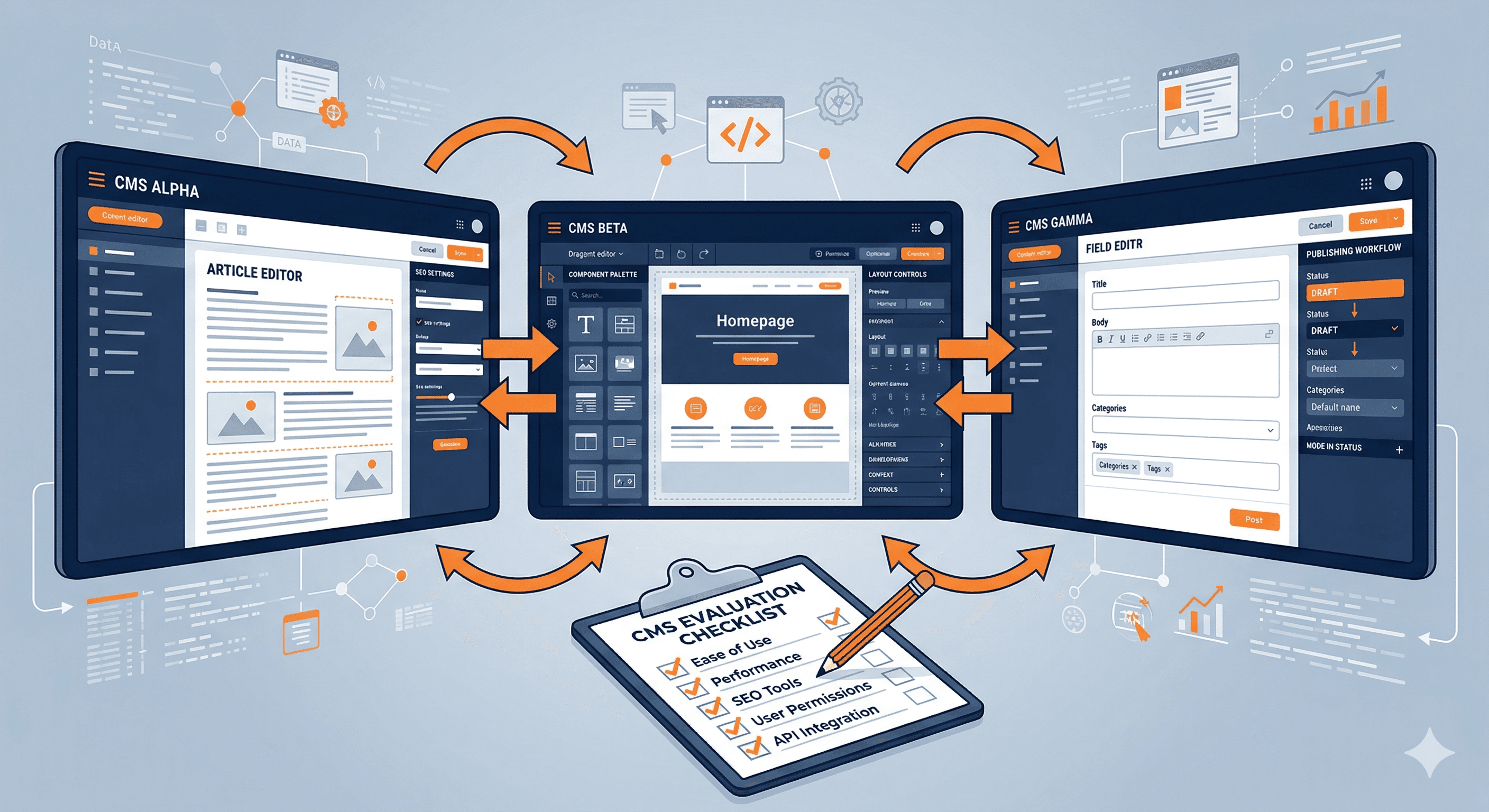
We tested six of the most popular CMS platforms by building complete small business websites on each one. Our goal was to evaluate the experience from the perspective of a business owner, not a developer. If you are new to the concept entirely, our explainer on what a CMS is and why your business needs one covers the fundamentals.
What We Evaluated
We assessed each platform across six categories:
- Ease of use. How quickly can a non-technical person build and manage a professional website?
- Design quality. Are the templates modern, responsive, and professional out of the box?
- SEO capabilities. Does the platform give you the tools to compete in search results?
- Flexibility. Can you customize the site to match your exact needs, or are you constrained by the platform?
- E-commerce. How well does the platform handle online selling if you need it?
- Pricing. What does it actually cost, including hosting, themes, plugins, and transaction fees?
Quick Comparison Table
| Feature | WordPress.org | Squarespace | Wix | Webflow | Ghost | Shopify | |---|---|---|---|---|---|---| | Starting Price | Free (hosting extra) | $16/mo | Free/$17/mo | Free/$14/mo | $9/mo | $39/mo | | Hosting Included | No | Yes | Yes | Yes | Yes | Yes | | Templates/Themes | 10,000+ | 150+ | 800+ | 1,000+ | 50+ | 200+ | | Plugin/App Ecosystem | 60,000+ | Limited | 300+ | 200+ | 100+ | 8,000+ | | SEO Tools | Excellent (via plugins) | Good | Good | Excellent | Good | Good | | E-commerce | Via WooCommerce | Built in | Built in | Built in | Limited | Best in class | | Learning Curve | Moderate to Steep | Low | Low | Moderate | Low | Low | | Best For | Maximum control | Beautiful sites | Beginners | Designers | Content/blogs | Online stores |
WordPress.org: Best for Maximum Control and Flexibility
WordPress powers over 43% of all websites on the internet, and there is a reason for that dominance. No other CMS comes close in terms of flexibility, customization options, and community support. With WordPress, you can build virtually anything: a simple blog, a corporate website, an online store, a membership site, a learning management system, or a complex web application.
The key distinction is between WordPress.org (the self-hosted, open-source software) and WordPress.com (a hosted service). We are reviewing WordPress.org here, which gives you full control over your site. You need to arrange your own hosting, which adds a step but also gives you freedom to choose a host that fits your budget and performance needs.
The plugin ecosystem is WordPress's greatest strength. With over 60,000 free plugins and thousands of premium options, you can add virtually any feature without writing code. Need SEO tools? Install Yoast or Rank Math. Need e-commerce? Install WooCommerce. Need contact forms, booking systems, security enhancements, or caching? There is a plugin for all of it.
The tradeoff is complexity. WordPress requires more technical knowledge than hosted platforms like Squarespace or Wix. You are responsible for updates, security, backups, and performance optimization. While none of these tasks are extremely difficult, they require attention and some willingness to learn. For a deeper analysis of whether WordPress fits your situation, read our post on whether WordPress is still the best choice for small businesses.
Pros
- Unmatched flexibility with 60,000+ plugins and 10,000+ themes
- Full ownership of your content and site data
- The largest community of developers, designers, and educators in the CMS world
- No transaction fees on e-commerce sales
- Can be optimized for exceptional performance and SEO
- Free to use (you only pay for hosting and any premium plugins or themes)
Cons
- Requires separate hosting, which means more setup and management
- Steeper learning curve than hosted platforms
- Security is your responsibility (though good plugins help significantly)
- Plugin conflicts can cause issues if you are not careful about compatibility
- The quality of themes and plugins varies widely
Pricing
WordPress.org itself is free. Your costs will include web hosting ($3 to $30 per month for shared hosting, more for managed WordPress hosting), a domain name ($10 to $15 per year), and any premium themes or plugins you choose. A typical small business WordPress site costs $10 to $50 per month all in.
Who Should Choose WordPress.org
WordPress is the best choice for businesses that want maximum control over their website and are willing to invest time in learning the platform (or hiring someone who already knows it). It is also the clear winner for content-heavy sites, blogs, and businesses that anticipate needing custom functionality as they grow.
Squarespace: Best for Beautiful, Professional Websites
Squarespace is the most design-forward website platform available. Every template is created by professional designers, and the structured editor makes it difficult to create something that looks bad. For small business owners who want a polished online presence without design skills, Squarespace delivers consistently.
The editor uses a block-based approach. You add sections to your pages and then fill them with content blocks: text, images, galleries, forms, buttons, and more. Unlike Wix's freeform drag-and-drop, Squarespace keeps elements aligned to a grid, which ensures visual consistency across your site.
SEO tools are built in and easy to use. You can customize title tags, meta descriptions, and URL slugs for every page. The platform generates clean HTML, creates automatic sitemaps, and supports structured data. While it does not offer the depth of WordPress with SEO plugins, it covers the essentials well.
E-commerce is available on the Business plan and above. Squarespace handles product listings, inventory management, and checkout processing. It is not as powerful as Shopify for dedicated online stores, but it works well for businesses that sell a modest number of products alongside their service offerings.
Pros
- Consistently beautiful templates that are hard to make look unprofessional
- All-in-one platform with hosting, SSL, and domain management included
- Solid built-in SEO tools with no plugins required
- Good e-commerce features for small to medium product catalogs
- Excellent built-in analytics dashboard
- 24/7 customer support via email and live chat
Cons
- Less flexible than WordPress or Webflow for custom functionality
- Limited third-party integrations compared to open platforms
- Cannot export your site design to another platform
- No phone support
- Transaction fees on the Business plan (3%) unless you upgrade to Commerce
Pricing
Personal plan at $16/month, Business at $33/month, Commerce Basic at $36/month, Commerce Advanced at $65/month. All prices reflect annual billing. Each plan includes hosting, SSL, and a custom domain for the first year.
Who Should Choose Squarespace
Squarespace is ideal for service-based businesses, creative professionals, restaurants, and any small business that values design quality and simplicity. If you want a site that looks professionally designed without hiring a designer, and you do not need extensive custom functionality, Squarespace is likely your best bet.
Wix: Best for Beginners
Wix offers the most intuitive website building experience available. The drag-and-drop editor lets you place any element anywhere on the page with complete freedom. For someone who has never built a website before, this visual approach is the easiest way to get started.
The template library is the largest of any platform we tested, with over 800 options spanning every industry imaginable. Wix also offers an AI-powered builder that can create a basic site layout based on answers to a few questions about your business, which can save time during initial setup.
Wix has invested heavily in its App Market, which now includes over 300 apps for adding features like booking systems, event management, membership areas, and more. While this is a fraction of what WordPress offers, it covers the most common small business needs.
The platform's main limitation is that you cannot change your template after you start building. If you decide you want a different design later, you need to rebuild your site from scratch. This makes it important to choose your template carefully upfront.
Pros
- Most intuitive drag-and-drop editor available
- Largest template library with 800+ options
- AI-powered site builder for quick setup
- Growing app ecosystem for adding functionality
- Generous free plan for testing the platform
- Built-in marketing tools including email campaigns
Cons
- Cannot switch templates after you start building
- Complete design freedom means it is easier to create inconsistent layouts
- Free plan includes prominent Wix branding
- Site speed can be slower than competitors, particularly on content-heavy pages
- Exporting your site is not possible
Pricing
Free plan available (with Wix ads and branding). Light at $17/month, Core at $29/month, Business at $36/month, Business Elite at $159/month. Annual billing provides a discount.
Who Should Choose Wix
Wix is the best choice for complete beginners who want to build a website themselves with minimal friction. It is also a good option for very small businesses or side projects that want to start free and upgrade later. If design consistency and performance are top priorities, Squarespace or Webflow may serve you better.
Webflow: Best for Design-Focused Businesses
Webflow occupies a unique space between website builders and professional web development tools. It gives you the power of custom HTML, CSS, and JavaScript through a visual interface, meaning you can create designs that are impossible on template-based platforms without writing any code yourself.
The learning curve is steeper than Squarespace or Wix. Webflow's interface uses concepts from web development (flexbox, grid, classes, states), so you need to understand some fundamentals of how web design works. However, for anyone willing to invest the learning time, the design possibilities are virtually limitless.
Webflow also excels at performance. Sites built on Webflow tend to load faster than equivalent Wix or Squarespace sites because the platform generates clean, optimized code. The hosting infrastructure is built on Amazon Web Services and includes a global CDN, which means fast load times regardless of where your visitors are located.
The CMS functionality is well-designed for content-driven sites. You can create custom content types (called Collections) with their own fields and templates, which is useful for blogs, portfolios, team directories, case studies, and other structured content.
Pros
- Unmatched design freedom within a visual interface
- Generates clean, optimized code for fast load times
- Powerful CMS with custom content types and dynamic pages
- Excellent hosting performance on AWS infrastructure
- Strong SEO controls including auto-generated sitemaps and clean URLs
- Active community and extensive learning resources (Webflow University)
Cons
- Steeper learning curve than simpler platforms
- The visual editor can feel overwhelming for complete beginners
- E-commerce features are less mature than Shopify or Squarespace
- Pricing can add up with the CMS plan and hosting
- Fewer integrations than WordPress or Wix
Pricing
Free plan available (with Webflow subdomain and branding). Basic at $14/month, CMS at $23/month, Business at $39/month, Enterprise pricing on request. E-commerce plans start at $29/month.
Who Should Choose Webflow
Webflow is the best choice for businesses that care deeply about design and performance but do not want to hire a full development team. It is popular with agencies, design studios, tech startups, and marketing teams. If you find Squarespace too limiting but WordPress too technical, Webflow is worth serious consideration.
Ghost: Best for Content and Publishing
Ghost is a focused CMS built specifically for content creators and publishers. If your business strategy revolves around blogging, newsletters, and content marketing, Ghost offers a streamlined experience that eliminates the distractions and complexity of general-purpose platforms.
The writing experience is Ghost's standout feature. The editor is clean, distraction-free, and supports rich content including images, embeds, code blocks, and custom cards. It feels more like writing in a modern document editor than managing a website, which is exactly the point.
Ghost includes built-in membership and subscription features. You can gate content behind free or paid membership tiers, send newsletters to subscribers, and accept payments through Stripe. This makes it a compelling option for businesses that want to monetize their expertise through content.
The platform is fast by design. Ghost is built on Node.js and is significantly lighter than WordPress. Pages load quickly, and the admin panel is responsive and snappy even on slower connections.
Pros
- The best writing and content editing experience of any CMS
- Built-in membership and paid subscription features
- Extremely fast performance
- Clean, minimal design that puts content first
- Built-in newsletter functionality (no separate email tool needed)
- Open source with the option to self-host
Cons
- Limited to content and publishing (not suitable for complex business sites)
- Much smaller theme and integration ecosystem than WordPress
- Design customization is more limited than Webflow or WordPress
- E-commerce is limited to digital products and memberships
- Smaller community means fewer tutorials and third-party resources
Pricing
Starter at $9/month (500 members), Creator at $25/month (1,000 members), Team at $50/month (1,000 members, multiple staff), Business at $199/month (10,000 members). Self-hosting is free if you have your own server.
Who Should Choose Ghost
Ghost is the right choice for businesses built on content: publishers, newsletter creators, coaches, consultants, and thought leaders who want to build an audience. If your website is primarily a content hub and you want built-in monetization tools, Ghost is purpose-built for your needs. If you need a full business website with multiple page types and complex functionality, look elsewhere.
Shopify: Best for E-Commerce
Shopify is the dominant e-commerce platform for small businesses, and it earns that position through a laser focus on selling products online. While other platforms treat e-commerce as an add-on feature, Shopify builds everything around the shopping experience.
Product management is comprehensive. You can handle physical products, digital downloads, subscriptions, and services. Shopify manages inventory across multiple locations, calculates shipping rates from major carriers, and handles tax collection for most jurisdictions automatically.
The checkout experience is one of the highest-converting in the industry. Shopify has spent years optimizing every step of the purchase process, and it shows in conversion rates. Shop Pay (Shopify's accelerated checkout) further reduces friction for returning customers.
Shopify also offers a robust point-of-sale system for businesses that sell both online and in person. The POS hardware and software integrate with your online store, keeping inventory and sales data synchronized.
The App Store includes over 8,000 apps, which is the largest ecosystem after WordPress. You can add features for marketing, shipping, customer service, accounting, and virtually anything else you need to run an online store.
Pros
- Best-in-class e-commerce features and checkout experience
- Comprehensive inventory, shipping, and tax management
- Huge app ecosystem with 8,000+ options
- Integrated point-of-sale for in-person selling
- 24/7 customer support via phone, email, and chat
- Extensive documentation and merchant resources
Cons
- Transaction fees (2.9% + 30 cents) unless you use Shopify Payments
- Monthly cost is higher than content-focused CMS platforms
- Blog and content page features are basic
- SEO tools are less flexible than WordPress
- Theme customization is more limited than Webflow or WordPress
Pricing
Basic at $39/month, Shopify at $105/month, Advanced at $399/month. There is also a Starter plan at $5/month for selling through social media and messaging. All plans include hosting and SSL.
Who Should Choose Shopify
Shopify is the clear choice for businesses whose primary online activity is selling products. If you run a retail store, a product brand, or any business where e-commerce is central (not just a sideline), Shopify provides the most complete and reliable selling platform available.
Choosing the Right CMS for Your Business
Your choice of CMS should align with your primary business goals and technical comfort level. Here is a simplified decision framework:
You want maximum control and flexibility: WordPress.org. You will invest more time in setup and management, but you will have no limitations on what you can build.
You want a beautiful site with minimal effort: Squarespace. The templates are stunning, the editor is straightforward, and the all-in-one pricing keeps things simple.
You are a complete beginner on a tight budget: Wix. The drag-and-drop editor is the most intuitive available, and the free plan lets you start without any financial risk.
You care deeply about design and performance: Webflow. It offers design freedom that rivals custom development, without requiring you to write code.
Your business is built on content and publishing: Ghost. The writing experience is unmatched, and built-in membership tools let you monetize your audience.
You primarily sell products online: Shopify. Nothing else comes close for dedicated e-commerce.
If you are still weighing whether to use a platform at all or hire a developer for a custom site, our comparison of custom websites vs website builders can help you think through that decision. And for a step-by-step walkthrough of building your site regardless of which platform you choose, check out our complete guide to building a small business website.
Final Thoughts
The CMS market is competitive, which is good news for small business owners. You have excellent options at every price point and skill level. The most important thing is to choose a platform that matches your current needs and technical abilities, while leaving room for growth.
Avoid the trap of overthinking this decision. A good website on any of these platforms will serve your business well. The perfect CMS that never gets launched is infinitely worse than an imperfect one that is live and bringing in customers. Choose one, commit to it, and focus your energy on creating great content and serving your customers.